Redefining Enterprise UX for the Crown Prince Court of Abu Dhabi
Citizen aid ran on paper, across departments that could not see each other's queues. Nobody could say where a request actually was.
Year2017
My roleLead Designer + Service Designer
ContextSovereign institution
SectorGovernment, Abu Dhabi
Seats heldDiscovery, blueprint, pilot
Outcome
What moved.
60%
Reduction in Processing Time
94%
Increase in Data Availability
75%
Reduction in Carbon Footprint
8%
Reduction Backlog Every Week
Before the work started
What we believed, what stood in the way, and where the opening was.
Assumption
We assumed the job was digitising the forms.
There was a clear paper trail, and turning paper into screens is the obvious first move.
The forms encoded the broken process. Copying them would have preserved it in a database.
Challenge
Strict confidentiality, and deep habits.
A sovereign institution limits what can be observed or recorded, and case workers had years of practice built around the paper itself.
Opportunity
Blueprint the whole service, then pilot one slice.
Mapping the end-to-end service exposed the highest-friction workflow, which we piloted before asking anyone to commit to a platform.
Background
The Crown Prince Court (CPC) serves as a bridge between the Crown Prince of Abu Dhabi and the citizens, handling requests ranging from financial aid to marriage assistance. Traditionally reliant on manual processing, these interactions suffered from delays and inefficiency, prompting the need for a digital transformation.
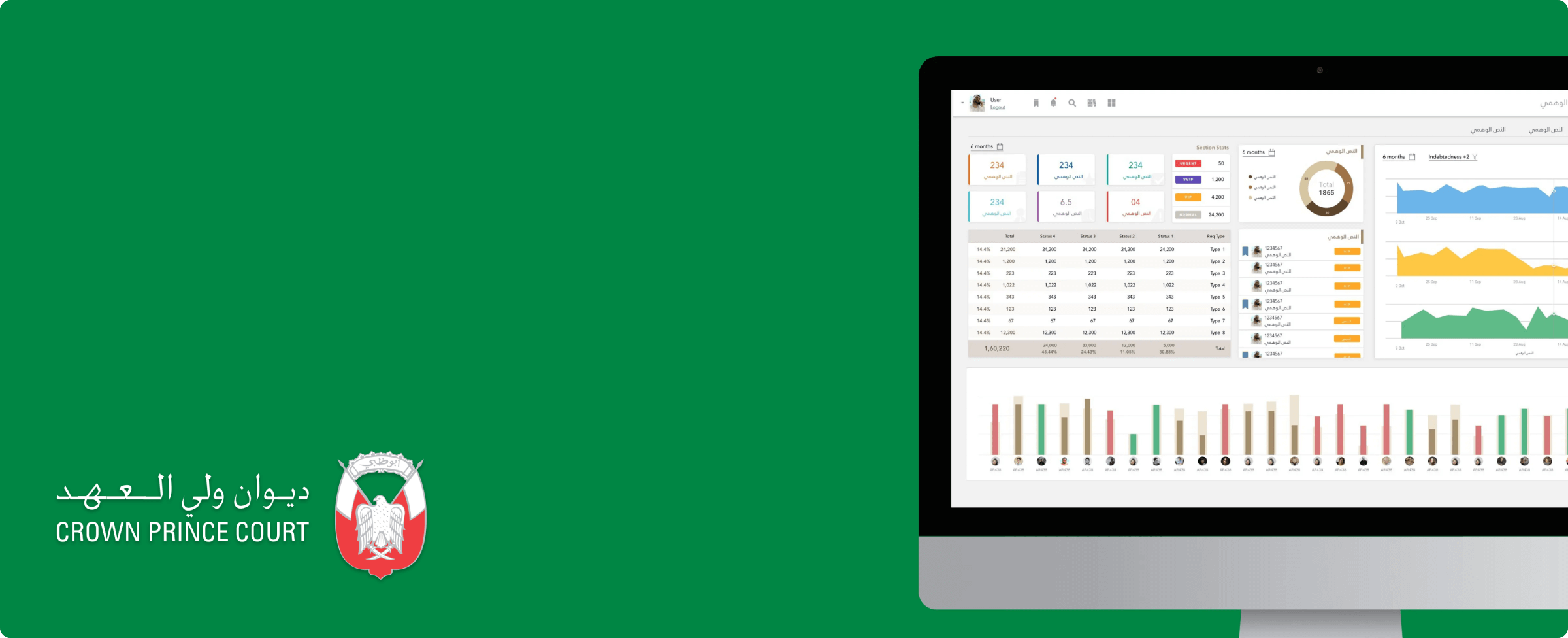
The Crown Prince Court in Abu Dhabi, the organisation this service was built for.
Disclaimer: This case study excludes confidential details and reflects my personal observations, not the views of the Crown Prince Court of Abu Dhabi. The data presented is Privacy and data security of my clients remain my top priorities.
Objective
Although CPC had a suite of desktop applications, the majority of tasks were still performed manually through hand-written notes and printouts. Previous efforts with global consulting agencies to digitize these processes had been unsuccessful. Our objective for the minimum viable product (MVP) included:
Streamline the workflow for citizen aid services to reduce delays.
Pilot a scalable solution in one department to set the foundation for organization-wide adoption.
Reduce dependency on manual, paper-based processes to achieve environmental goals.
My Role: UX & UI Designer
I initially joined the project as the only contributor, building upon preliminary research and workflows developed by previous agencies. My role was to run the entire design cycle, from initial discovery through to final delivery. After successfully delivering the MVP and gaining the client’s confidence, we expanded the team to include a UI designer and a UX designer.
Project Duration
10 Months
Discovery
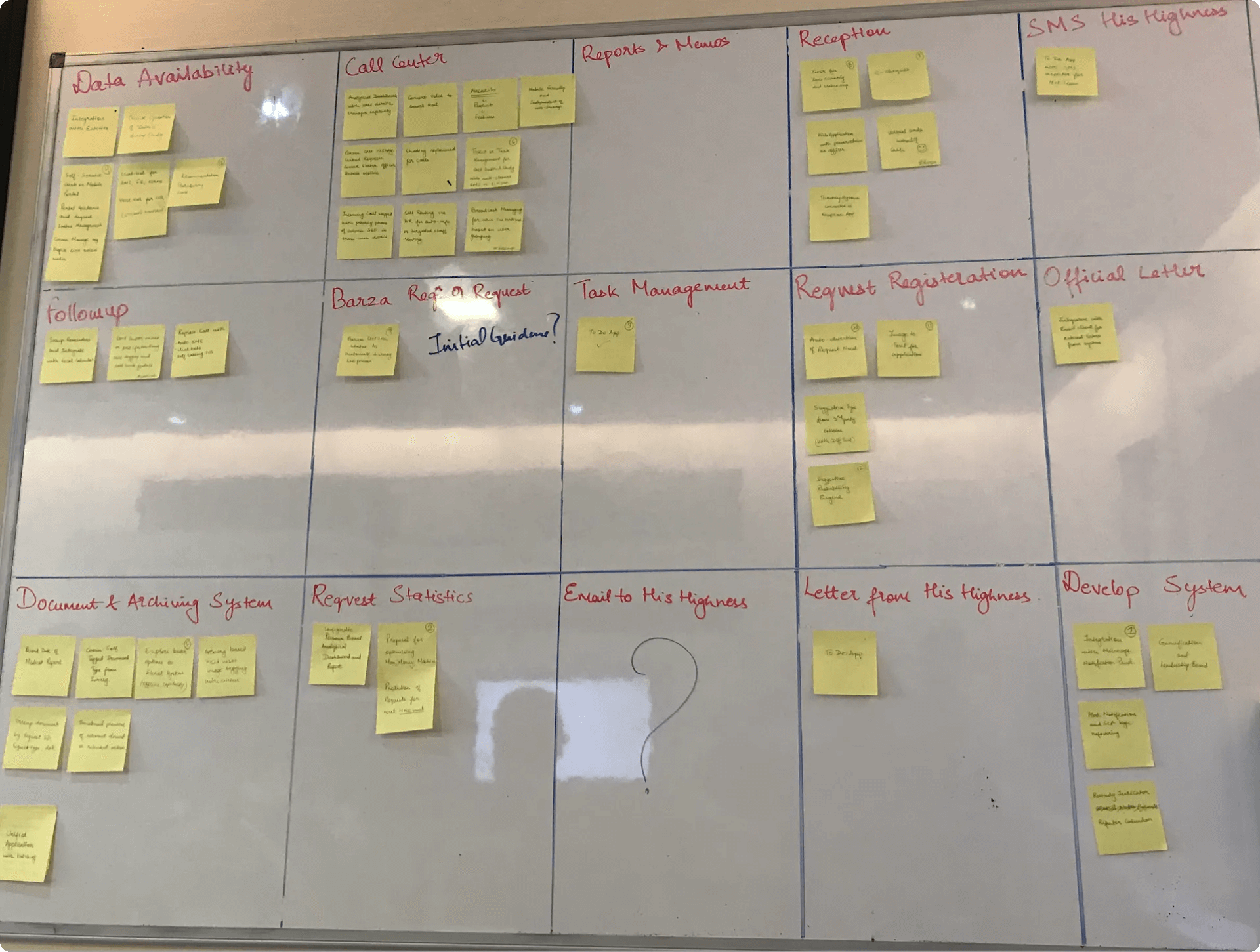
Affinity map from discovery: each sticky note is an observation from the departments.
Contextual inquiry: shadowing staff to see how citizen requests really moved.
User Pain Points
Duplicate applications requiring extensive time to sort.
Essential documents are often unavailable during processing.
Managers fail to distribute work evenly among employees.
Slow systems, with frequent non-responsiveness during peak hours.
Business Pain Points
Lack of mechanisms to prioritize urgent applications, such as those for medical treatment.
High maintenance costs resulting from multiple software systems used across departments.
Employees frequently fail to adhere to SLAs.
Absence of effective tools to evaluate and monitor team performance.
Observations
Locals value authority, making systems with excessive monitoring or performance tracking prone to resistance.
Navigation issues: Users switch between 8 applications and 26 pages, with each page taking ~2 minutes to load.
Missing documents: Communication delays of 15-45 days arise from incomplete citizen submissions.
User Persona
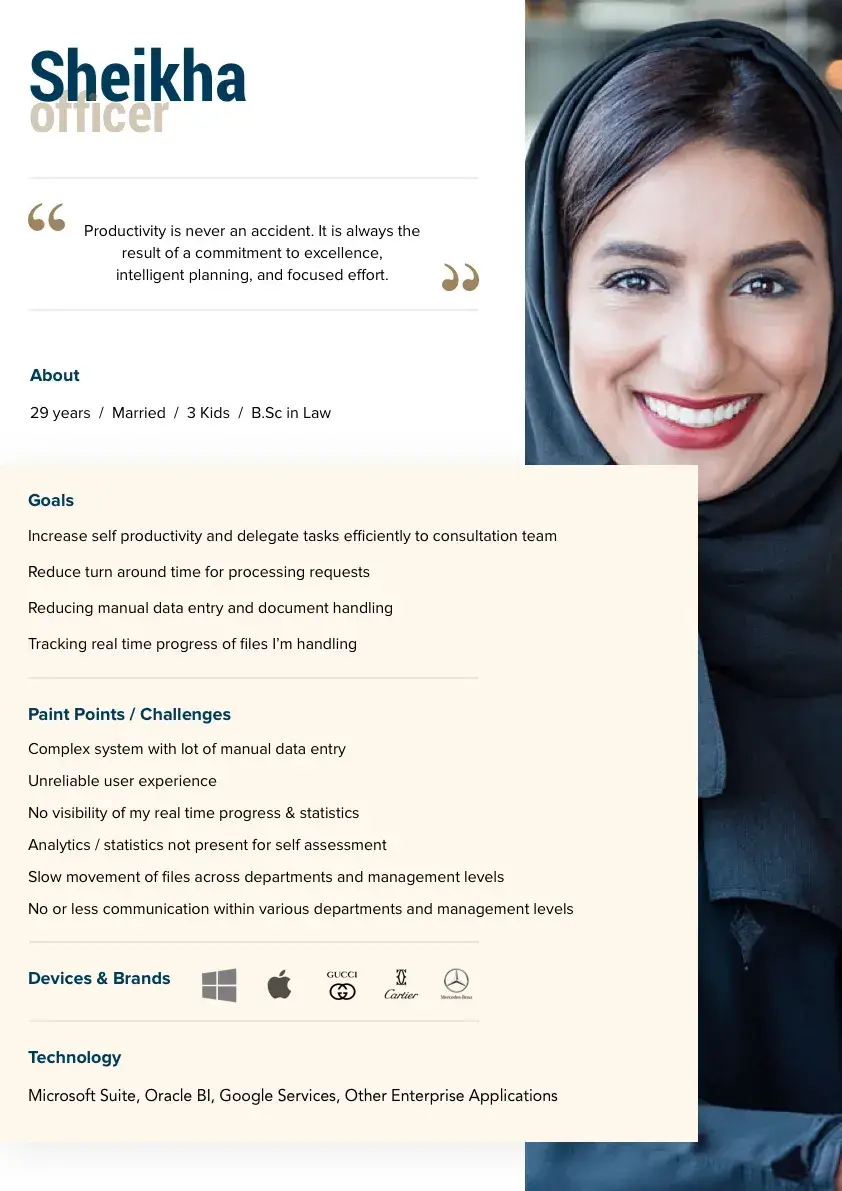
Persona: Sheikha, one of three personas built from staff interviews.
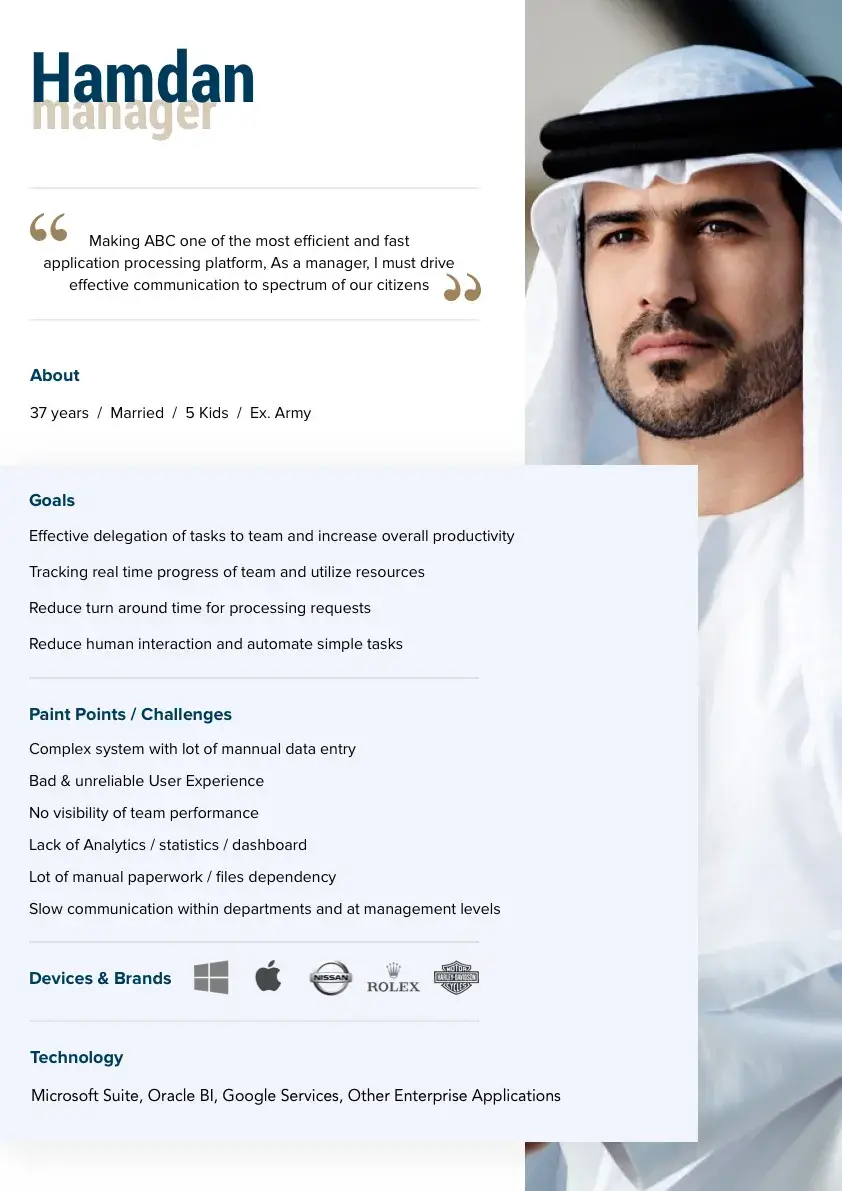
Persona: Hamdan, with his goals, frustrations and the tools he relied on.
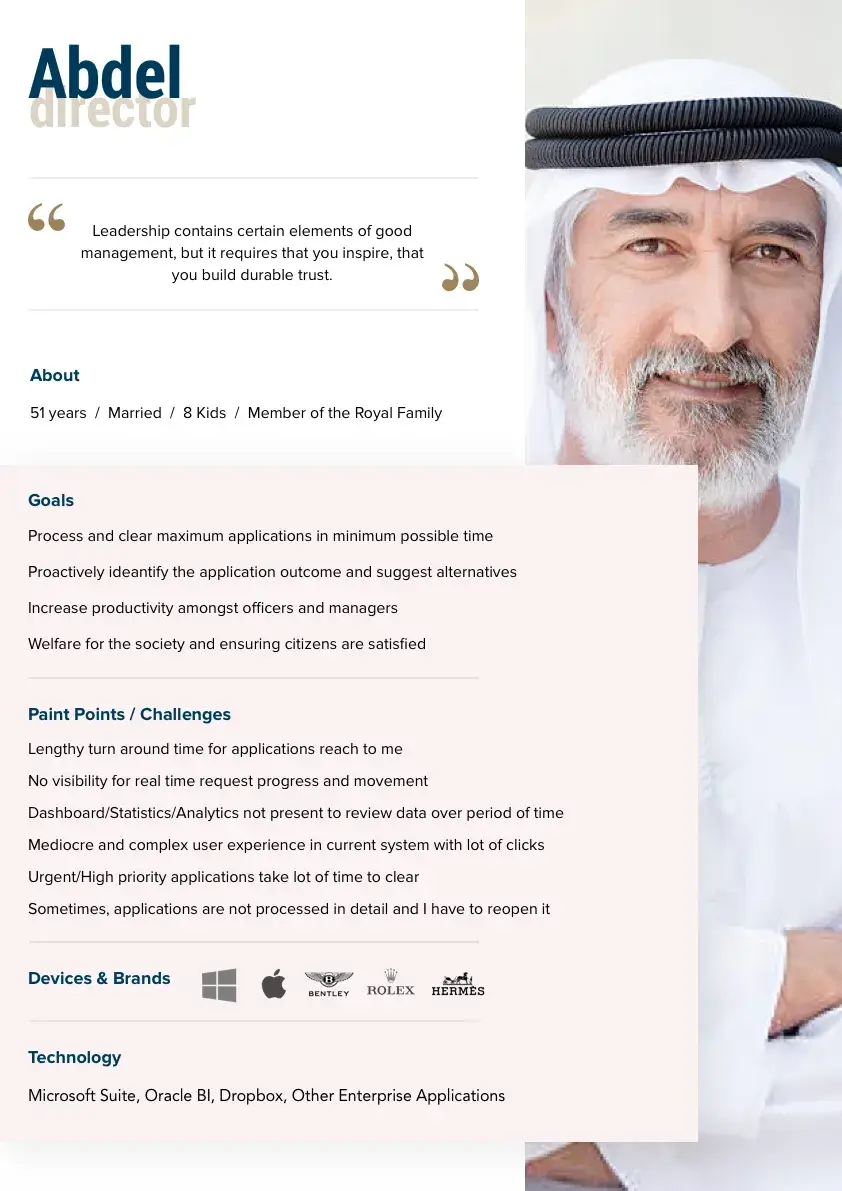
Persona: Abdel, representing senior decision-makers in the approval chain.
Design Guidelines
Based on our research, we developed the following guidelines that we referred to every time we designed a solution:
Simplify workflows for efficiency.
Ensure system status visibility for clarity.
Allow flexibility in processes.
Focus on faster performance.
Enable user preference settings.
Prioritize UX over UI design.
Key Solutions & Visuals
Please Note: The visuals are in Arabic as the end-users did not speak English. Interfaces were designed in a left-to-right layout using Google Translate for content. To preserve authenticity, I’ve kept the original designs untranslated. Apologies to non-Arabic readers; I hope the descriptions help clarify key concepts.
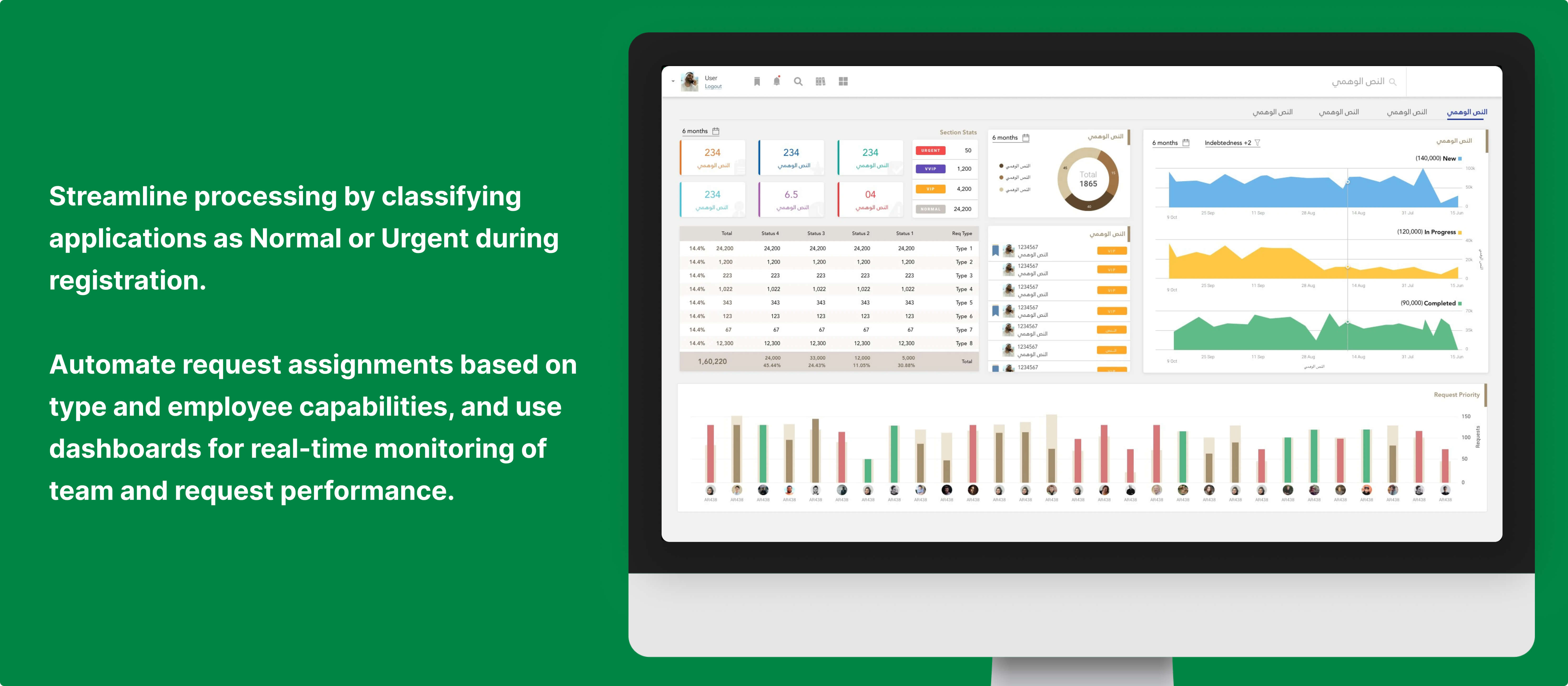
Classify applications as Normal or Urgent during initial registration to streamline processing.
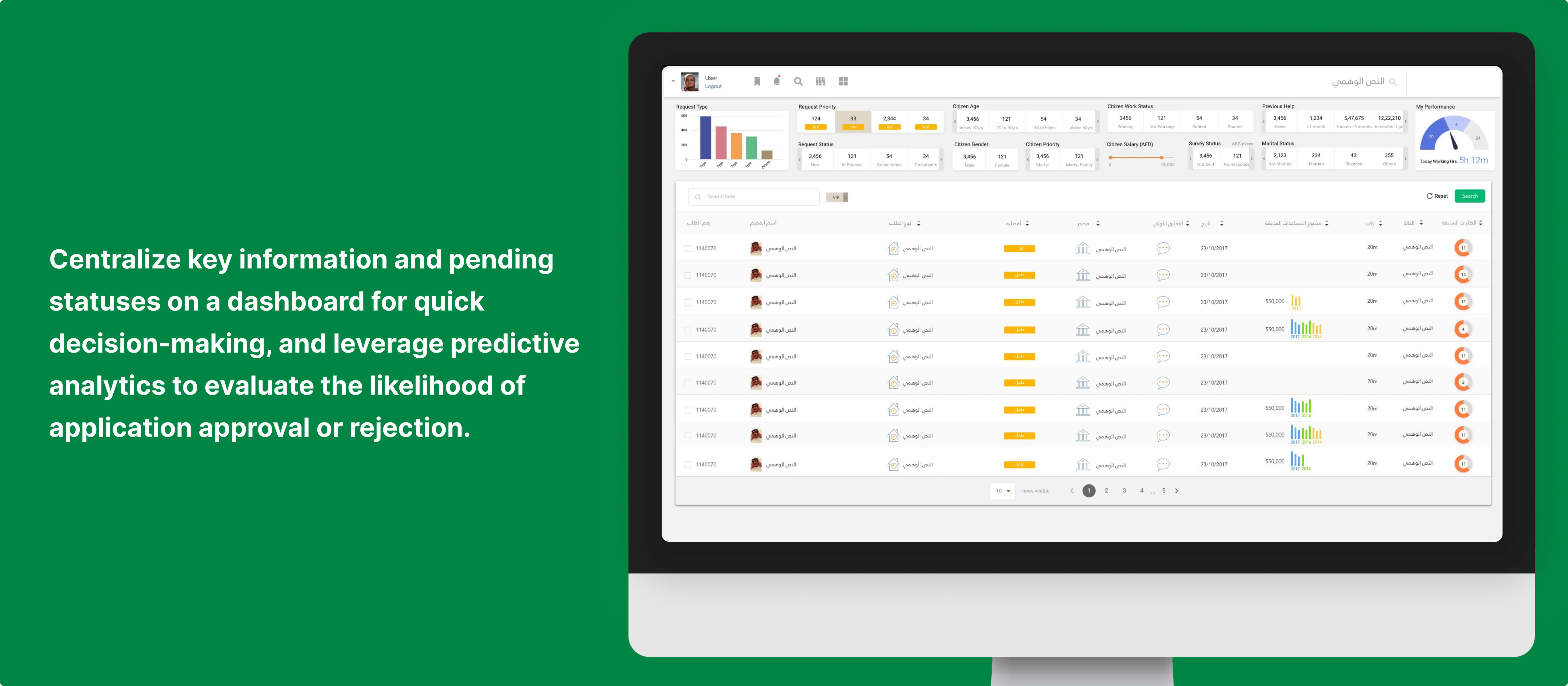
Use predictive analytics to assess the likelihood of application approval or rejection.
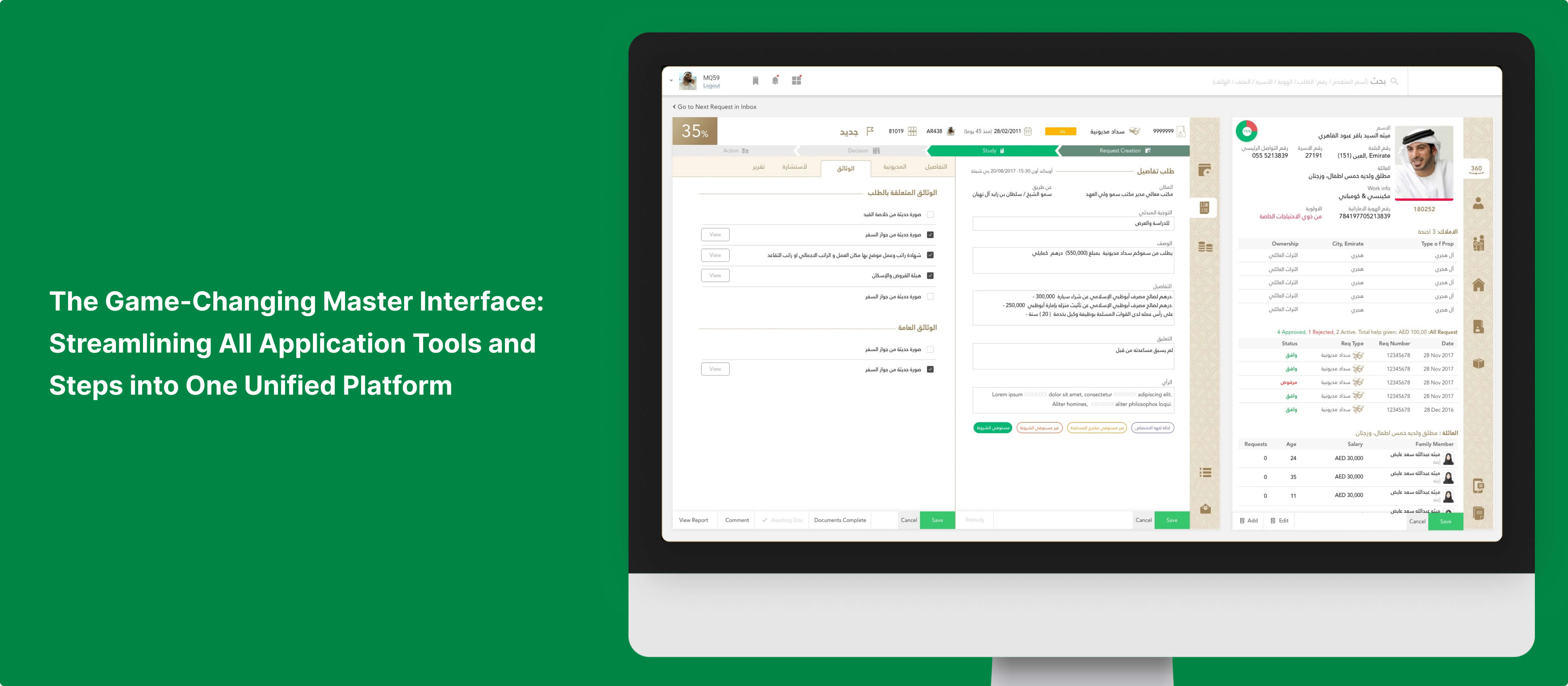
Consolidate mulitple desktop application via APIs into a single screen to minimize toggling.
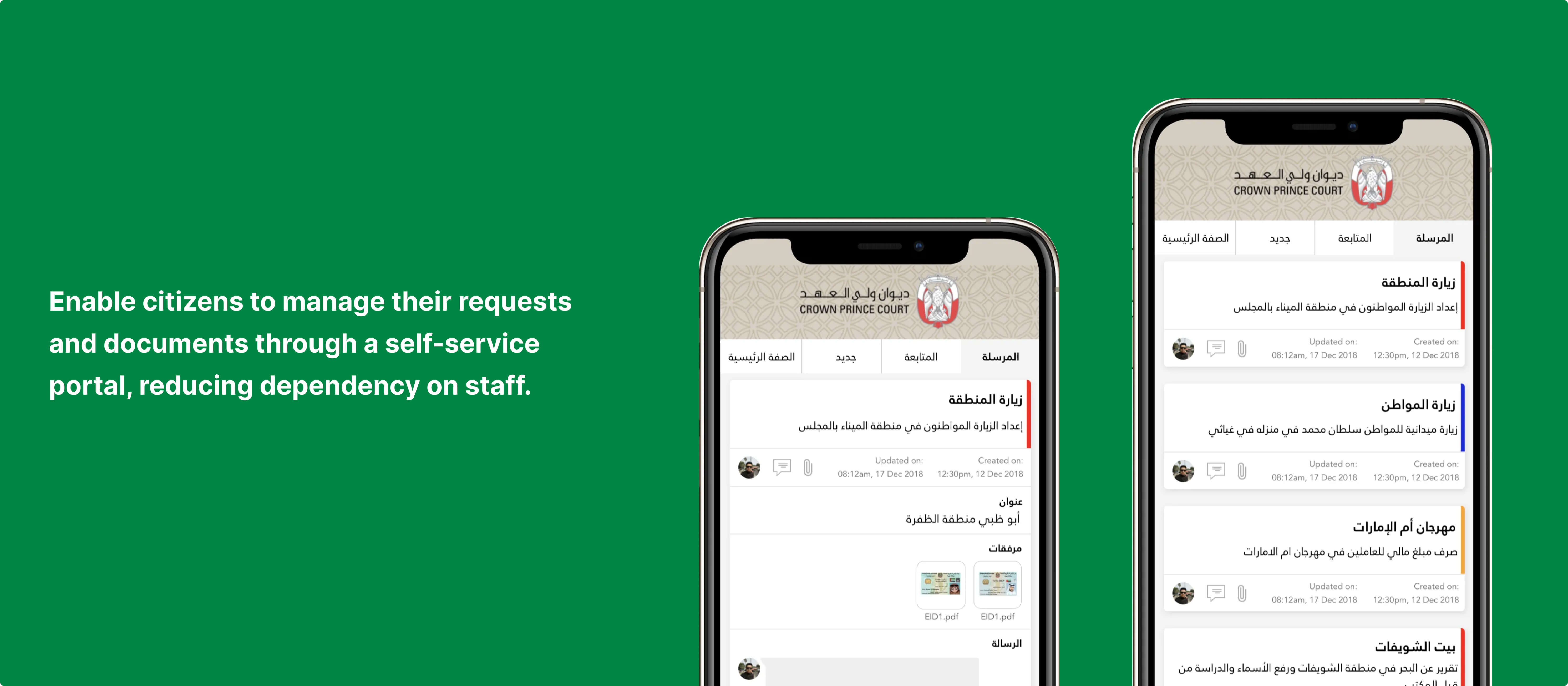
Enable citizens to manage their requests and documents through a self-service portal, reducing dependency on staff.
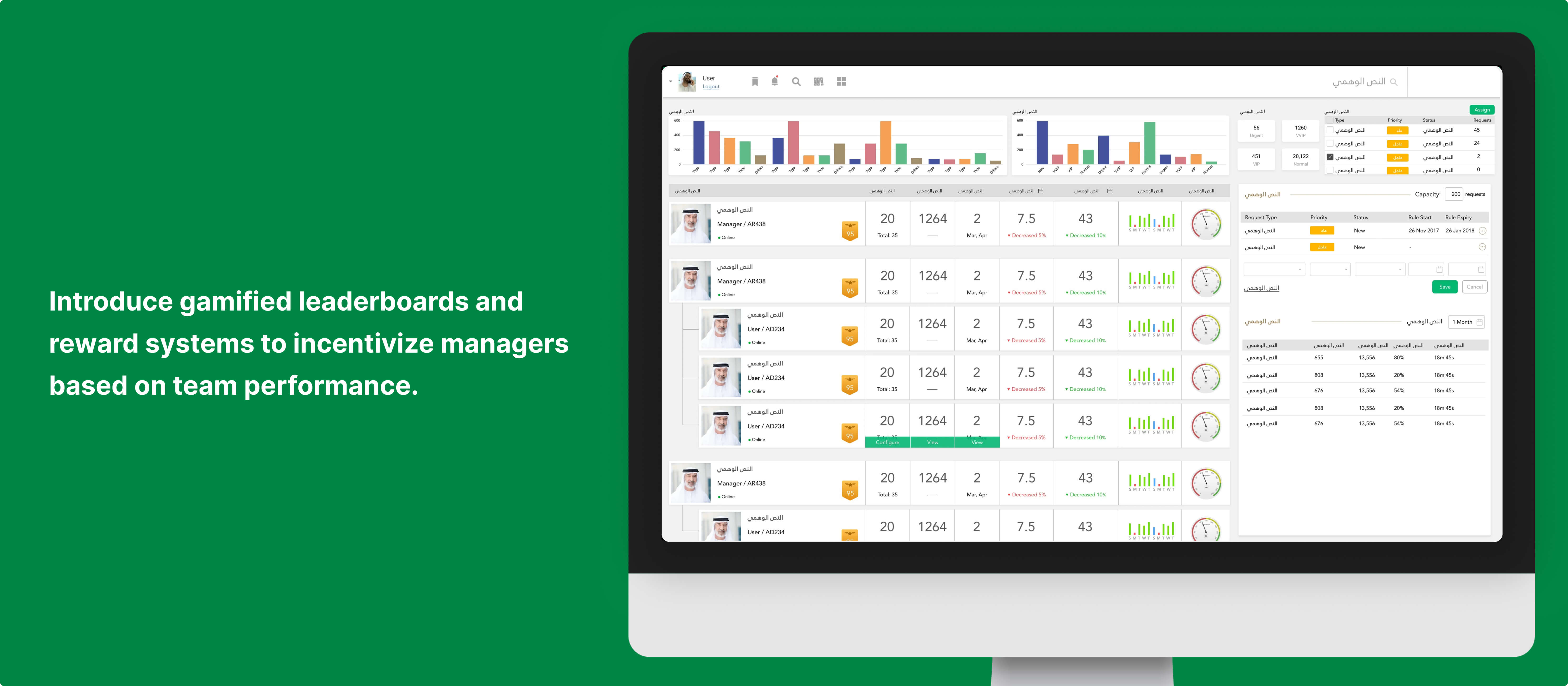
Introduce gamified leaderboards and reward systems to incentivize managers based on team performance.
The master interface: every application tool and step brought into one view.Applications classified as normal or urgent at registration, with team dashboards.A decision dashboard that centralises pending items and predicts approval likelihood.Gamified leaderboards that reward managers for their team's performance.A self-service portal on mobile, so citizens can track requests and documents.
Results
60%Reduction in Processing Time
94%Increase in Data Availability
75%Reduction in Carbon Footprint
8%Reduction Backlog Every Week
87%Adoption of New System
Design Process
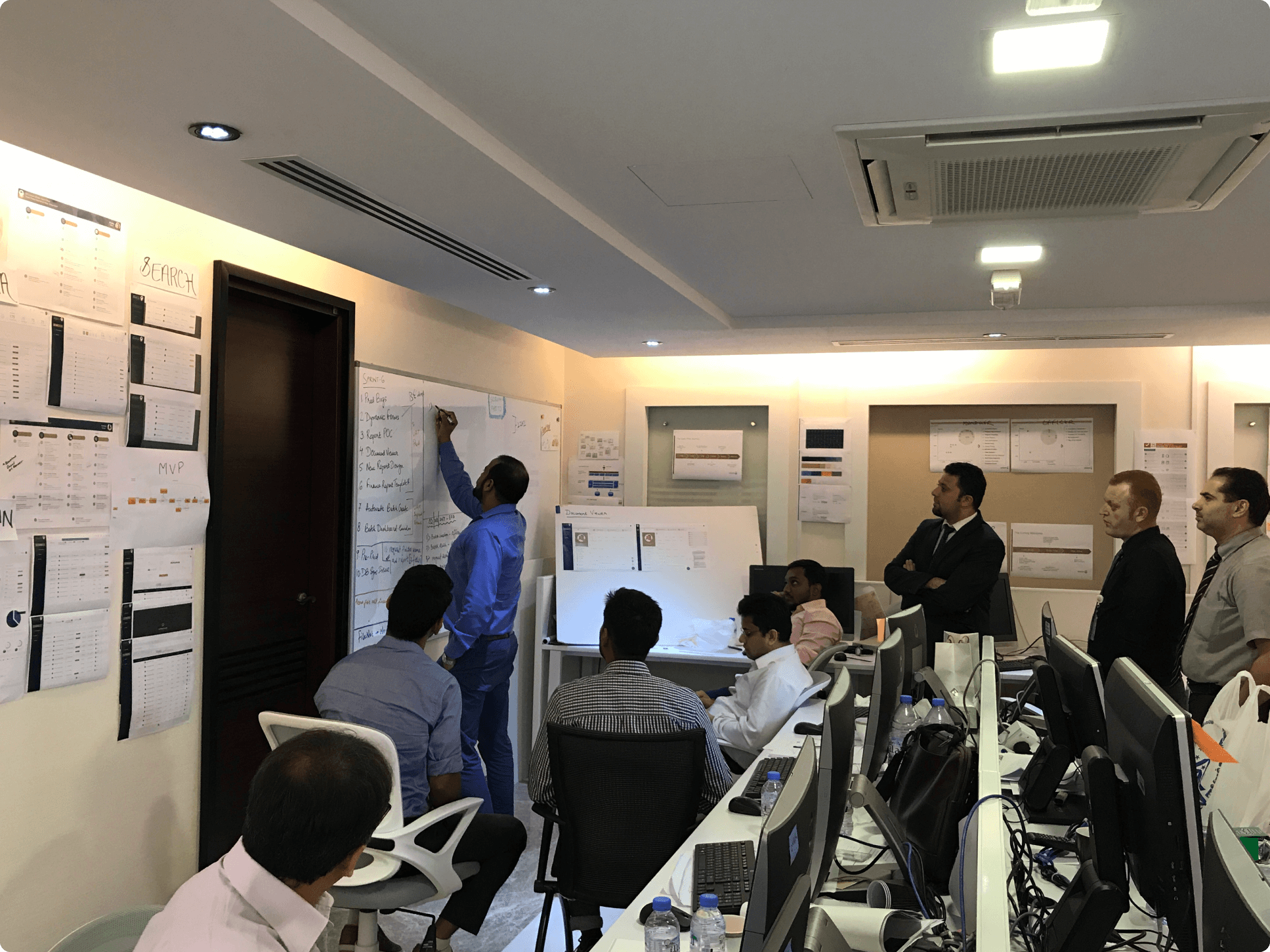
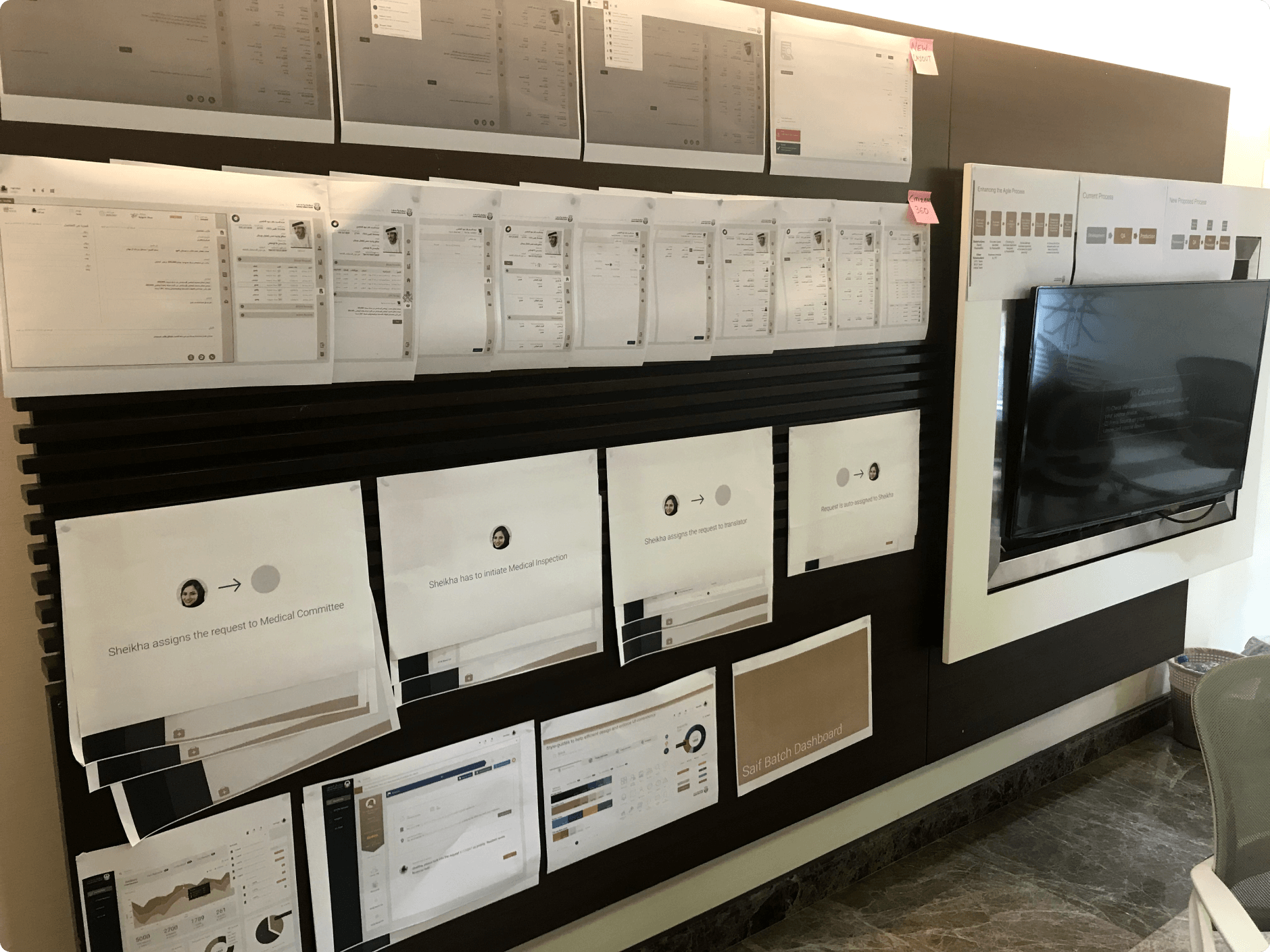
Printed workflows and screens pinned up for stakeholder review.
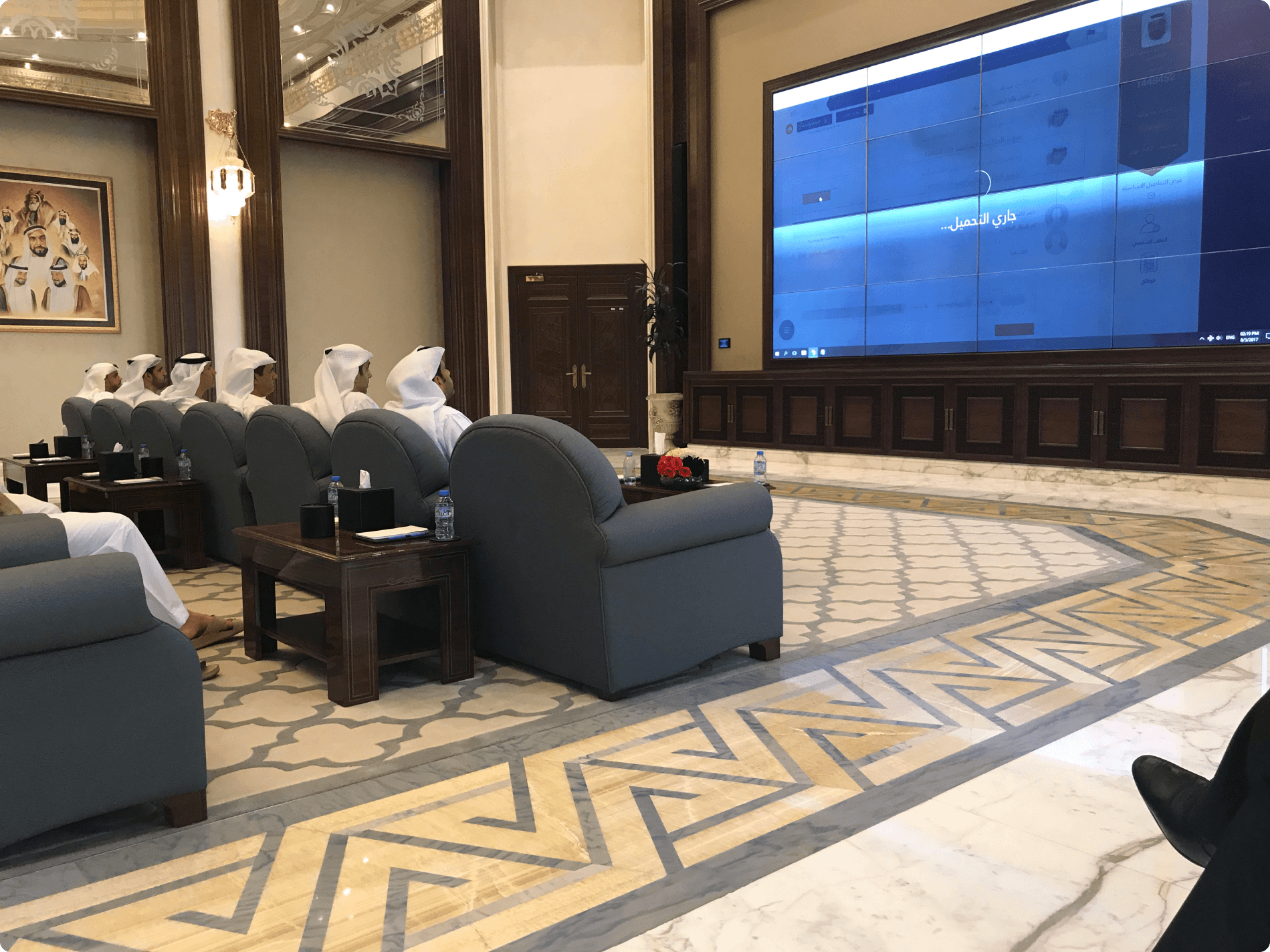
Presenting the design direction in a CPC boardroom.
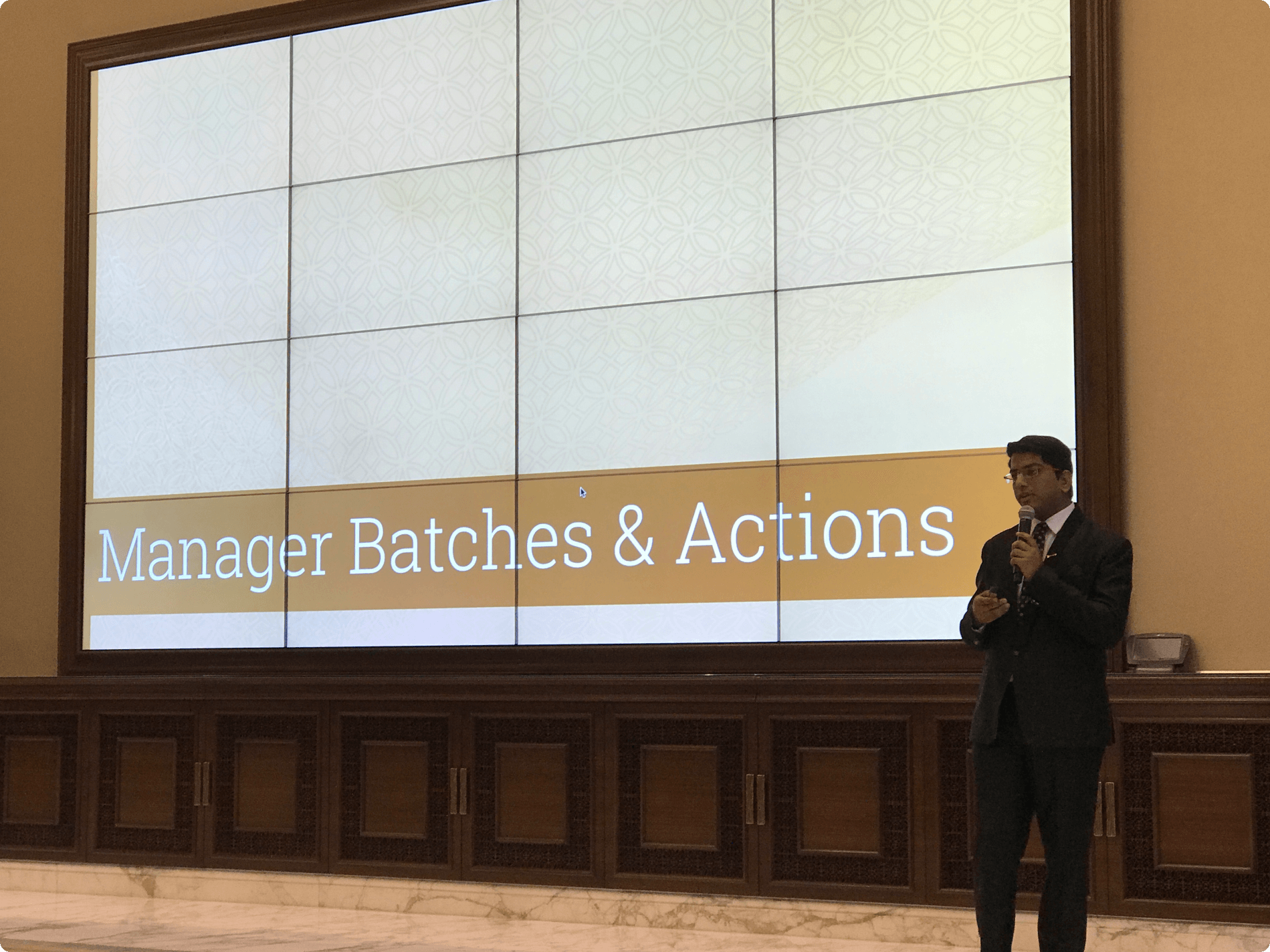
Walking leadership through the 'Manager Batches & Actions' flow.
Research: Conducted in-depth interviews, shadowing, and activity analysis.
Definition: Developed personas and problem statements to guide design.
Ideation: Brainstormed solutions like predictive analytics and interface unification.
Implementation: Led design and owned delivery, collaborating closely with the client’s business owner, coordinating with developers, and designing tailored solutions.
Testing: Conducted daily feedback sessions, UAT, and training workshops for smooth rollout.
Learnings
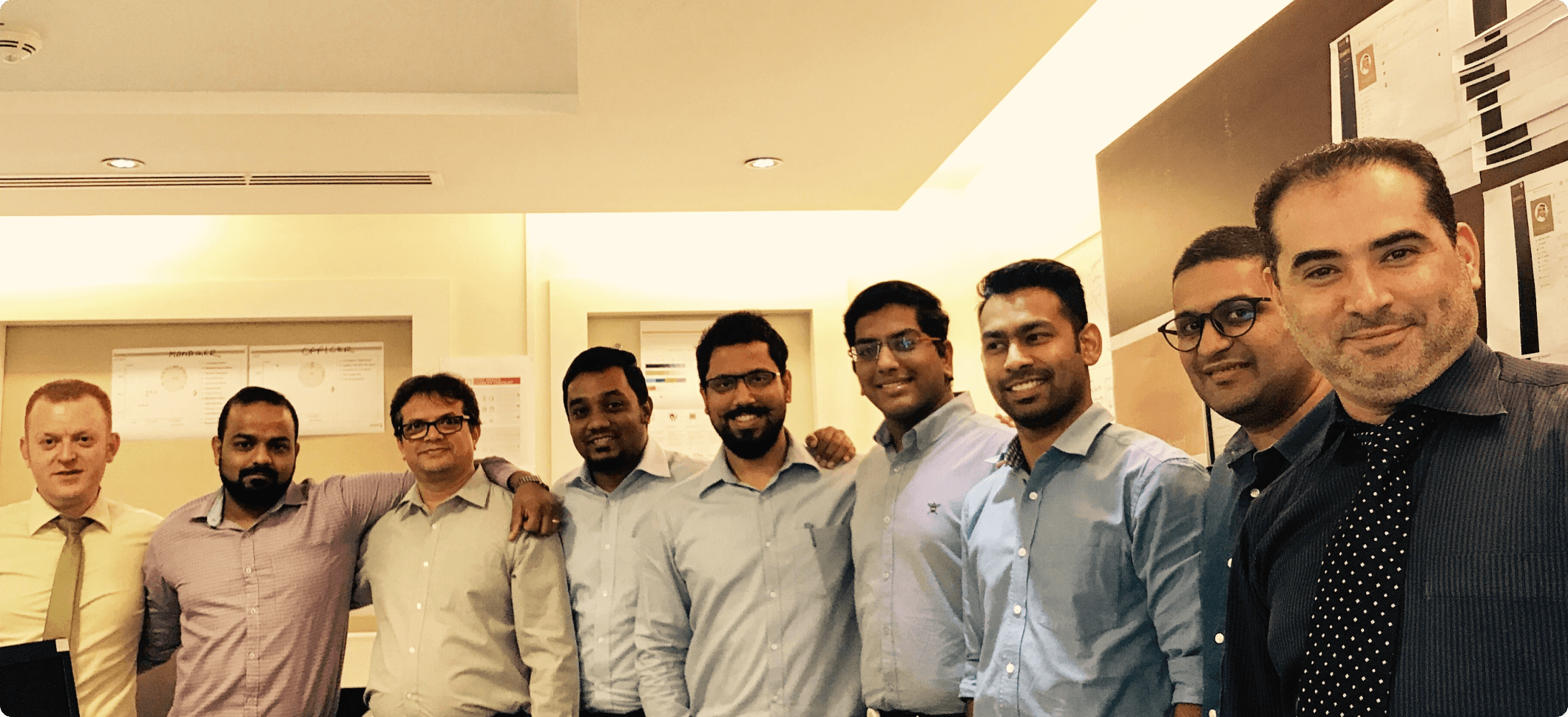
The project team that delivered the MVP.
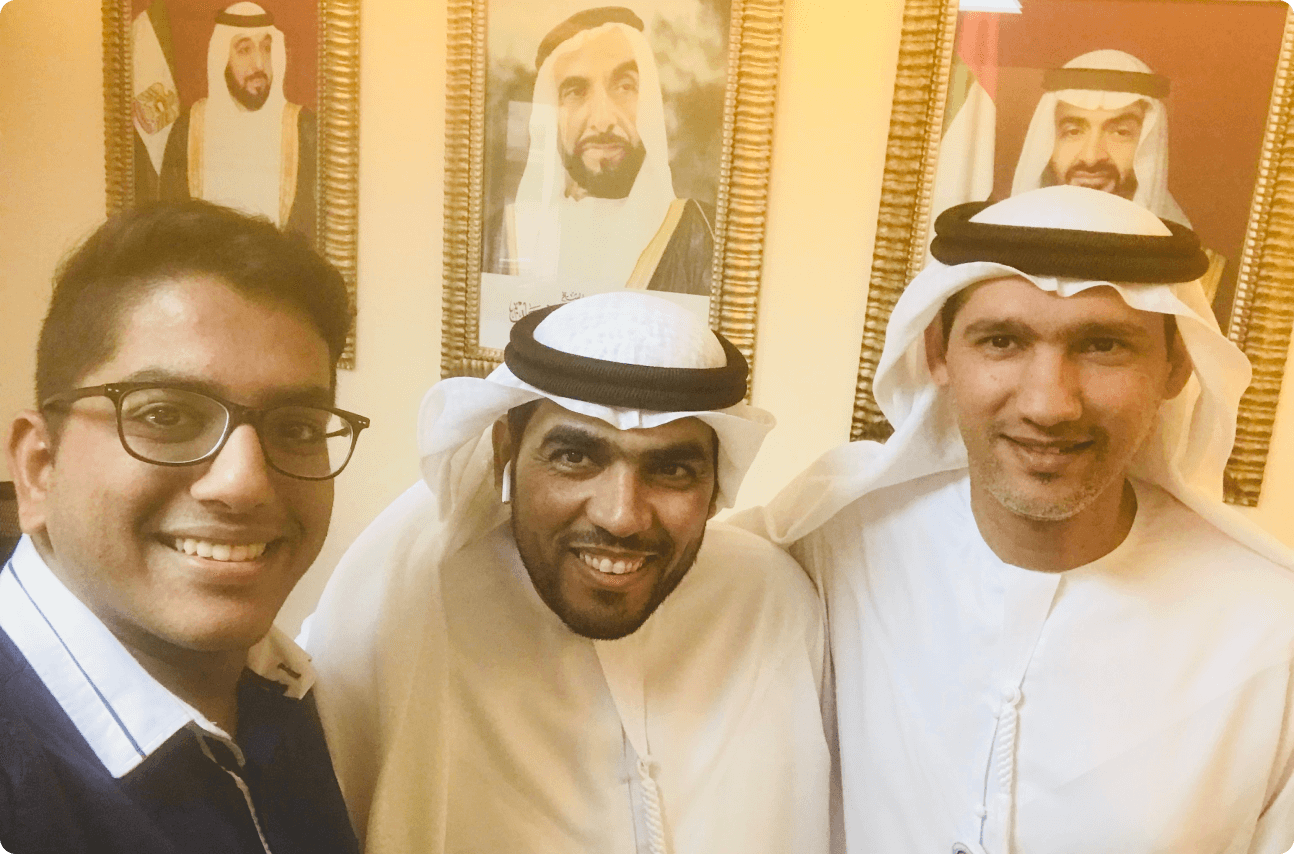
With colleagues at the Crown Prince Court.
Digital transformation is as much about managing organizational change as it is about designing systems. Early user engagement and training are key to adoption.
Understanding cultural nuances and tailoring solutions accordingly can significantly influence user acceptance and satisfaction.
Automation should enhance efficiency without alienating employees; managing role redundancies tactfully is important.